


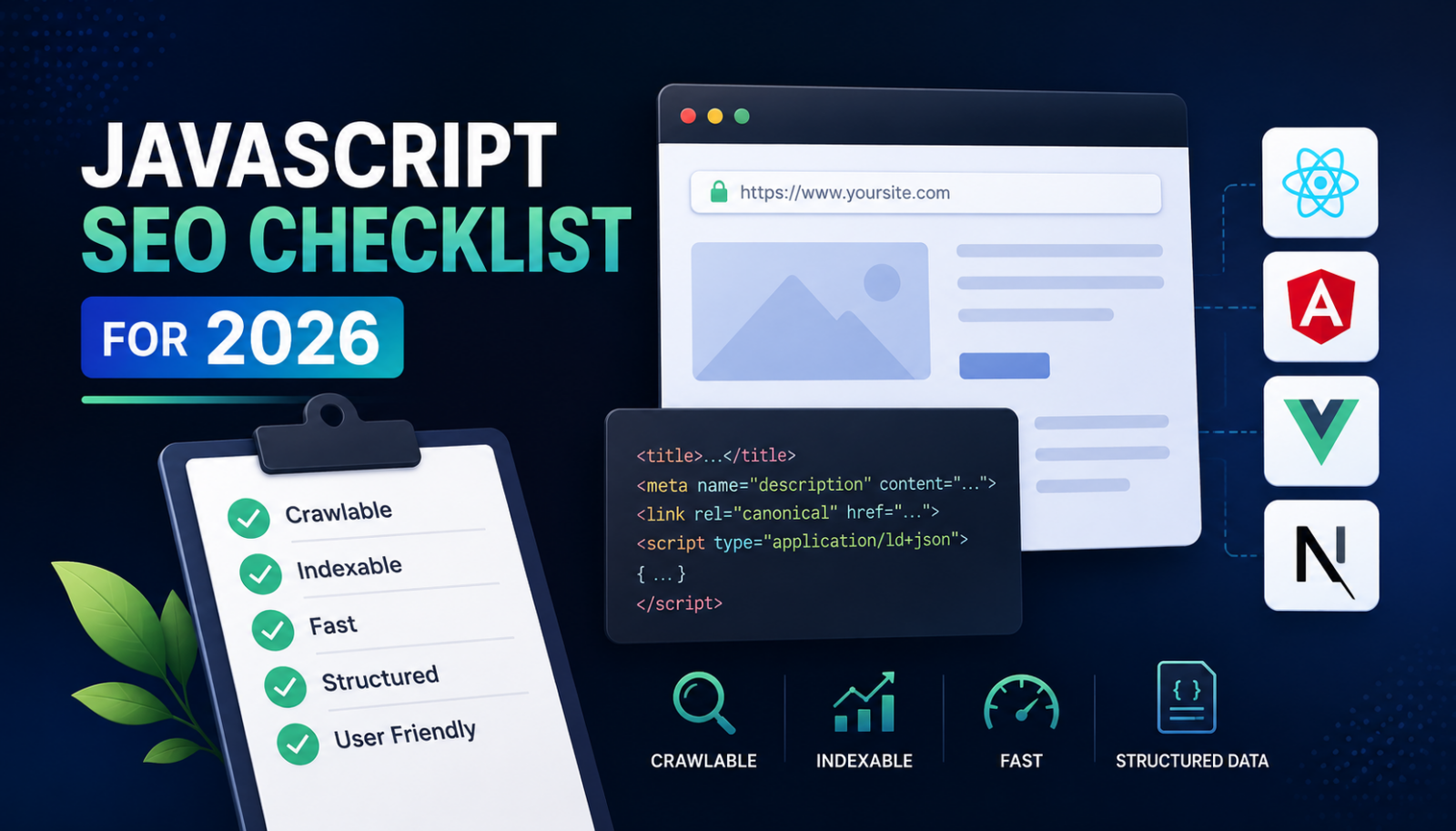
JavaScript SEO Checklist for 2026: Optimize React, Angular, Vue and Next.js Websites
-
Author
Ankit Sain -
Publish
July 7, 2026 5:22 am -
Read Time
9 Mins
 Lets talk











Fill in the Form below for a no-string attached free technical discussion.
Quick summary: Google now reads JavaScript well, so that half of the old problem is mostly solved. The new problem is AI search. As of mid-2026, the main AI crawlers (GPTBot, ClaudeBot, and PerplexityBot) do not run JavaScript. They read your raw HTML and stop. So a React, Angular, or Vue site that hides content behind client-side rendering can rank on Google and still stay invisible in ChatGPT, Claude, and Perplexity. The fix is the one that has always worked: put your real content in the HTML the server sends. Use server-side rendering (SSR) or static generation (SSG) with Next.js, Angular SSR, or Nuxt. Then check what crawlers see with View Source and the URL Inspection tool.
Your React or Angular site ranks on page one of Google. Then you ask ChatGPT the same question your customers are asking, and your site isn’t in the answer. Nothing is wrong with your rankings. Something is wrong with what AI crawlers can actually see and it’s costing you visibility in the channel that’s growing fastest.
That’s the JavaScript SEO problem in 2026. Googlebot reads JavaScript now, so that old worry is mostly solved. But GPTBot, ClaudeBot, and PerplexityBot don’t render it at all; they read the raw HTML your server sends and stop. If your content only appears after the browser runs a script, those crawlers never see it. This checklist covers what changed, what to fix, and how to test it, from the point of view of an agency that runs these audits every week. If you’d rather have that audit run for you, that’s exactly what our technical SEO services cover.
For about ten years, the main worry with JavaScript sites was simple. Would Google see the content? That worry has faded.
On March 4, 2026, Google removed the “Design for accessibility” section from its JavaScript SEO Basics page. That section had told developers to test their pages with JavaScript turned off. Google called the advice out of date, noting that Googlebot has rendered JavaScript with an evergreen version of Chromium since 2019 (source: Google Search Central changelog; Search Engine Journal, March 2026).
So Google reads modern React, Angular, and Vue apps fine most of the time. Good. But that is only half the story now and Google’s own May 2026 AI Search guide confirms the rest of this shift: AI-driven search is no longer a side channel; it’s where an increasing share of your buyers actually look.
People no longer search only on Google. They ask ChatGPT. They ask Claude. They ask Perplexity. Those tools send their own crawlers. Here is the catch that trips up most teams:
This creates a split we see often in audits, and we’ve written about the mechanics of it in more depth in our piece on AI crawl budget and how LLMs decide whether to use your content. A client ranks well on Google for a hard keyword. The same page returns nothing when you ask ChatGPT to read it. The content lives in JavaScript, so the AI crawler sees a blank shell.
One more detail. Roughly 92 percent of ChatGPT’s web answers pull from Bing’s index, and Bingbot renders JavaScript unreliably. So a client-side app can lose twice: weak in Bing, invisible to the AI crawler directly.
Two systems read your site in very different ways.
Googlebot works in three steps. It crawls the HTML. It queues the page for rendering. Then it runs the JavaScript and indexes what appears. This works, but rendering sits in a queue and can lag. Heavy bundles can time out. Google reads external resources up to about 2 MB, so a bloated bundle can break rendering.
GPTBot, ClaudeBot, and PerplexityBot fetch the first HTML response and read the text in it. They do not wait for scripts. They do not call your API. They do not click tabs. Whatever sits in the initial HTML is all they get. This is a design choice, not a bug. Rendering at their scale would cost too much compute, so it will not change soon.
Your rendering method decides what crawlers see on the first request. You have four options:
Our rule for clients: if a page needs organic traffic or AI citations, its content must sit in the server HTML. Reach for SSG first, and SSR when the data changes.
Google also dropped dynamic rendering (serving a separate version to bots) from its list of recommended fixes for new sites. It relies on spotting each bot by name, and new AI crawlers appear all the time. SSR and SSG fix the problem at the root.
This is the core list. It applies to any JavaScript site, whatever the framework.

The checklist above holds for every stack. Each framework reaches it in a different way.
Plain React ships an empty div and a script. That is the worst case for search and AI. Next.js fixes it. Use the App Router and React Server Components so content renders on the server. Use the Metadata API for titles, canonicals, and Open Graph. Set metadataBase in your root layout so canonical URLs resolve. Generate your sitemap with a sitemap.ts file. Pick SSG for stable pages and SSR for live data (source: Next.js documentation).
Angular ships as client-side by default, which is not enough for content sites. Modern Angular includes built-in SSR through the @angular/ssr package. Start a project with the –ssr flag, or add it later with ng add. Hydration is on by default and reuses the server DOM, which cuts flicker and helps Core Web Vitals. Use @defer blocks to lazy-load parts of a page without hurting the first render. Guard browser-only code such as window, document, and localStorage with isPlatformBrowser so it does not break the server render (source: angular.dev, Server-side and hybrid rendering).
Vue on its own renders in the browser, like React. Nuxt brings SSR and SSG to Vue with little setup, so reach for it on any Vue site that needs traffic. Nuxt handles universal rendering, static generation, and per-route control, which lets you server-render the pages that matter and keep the app parts client-side.
Do not trust the browser. It runs JavaScript, so it hides the problem. Use these checks instead:
Getting content into the HTML is step one. Step two is shaping it so AI tools quote you the discipline we cover in full in our GEO and AI SEO guide. From our work on answer engine and generative engine optimization, a few things help:
Does Google render JavaScript in 2026?
Yes. Googlebot has rendered JavaScript with an evergreen Chromium engine since 2019. In March 2026, Google removed its old warning about JavaScript-heavy pages and called it out of date.
Do ChatGPT and other AI tools read JavaScript?
No. As of mid-2026, GPTBot, ClaudeBot, and PerplexityBot read only the raw HTML. Independent crawler analysis has consistently found no JavaScript execution from any of the major AI crawlers. Content that loads with JavaScript stays invisible to them.
Is React bad for SEO?
React on its own hurts SEO because it renders in the browser. Next.js solves this with server-side rendering and static generation, so crawlers get full HTML.
Do I need SSR, or is SSG enough?
Use SSG for pages that rarely change, such as blogs and docs. Use SSR for pages with live data. Both put content in the server HTML, which is what matters.
How do I check if my site has this problem?
Open any page, choose View Source, and look for your main text. If it is missing, or the page goes blank with JavaScript off, crawlers cannot see your content.
At White Bunnie, we run this checklist on every JavaScript site we audit. The pattern is steady. Fix the rendering, and both Google rankings and AI citations tend to follow. If you want a second pair of eyes on your own site, our AI SEO services start with exactly this kind of rendering and crawler-access audit.

Ankit Sain is an SEO specialist with over 6 years of hands-on experience in driving organic growth through data-driven and AI SEO strategies. He helps businesses improve visibility, rankings, and conversions with sustainable search solutions.
Here’s something I hear from business owners all the time: “We publish content regularly, but nothing seems to stick.” The […]
Read Post »
If you’re looking to improve your online visibility, you’ll quickly run into the choice: hire an SEO agency or work […]
Read Post »
We all want good traffic on our platforms. But what if there is traffic but not identified. Sounds weird, right? […]
Read Post »
Copyright © 2026 White Bunnie -All Rights Reserved