
Google Knowledge Panel: What It Is, How It Works & How to Get One
-
Author
Saurabh Garg -
Publish
July 11, 2025 10:40 am -
Read Time
8 Min
 Lets talk










Fill in the Form below for a no-string attached free technical discussion.
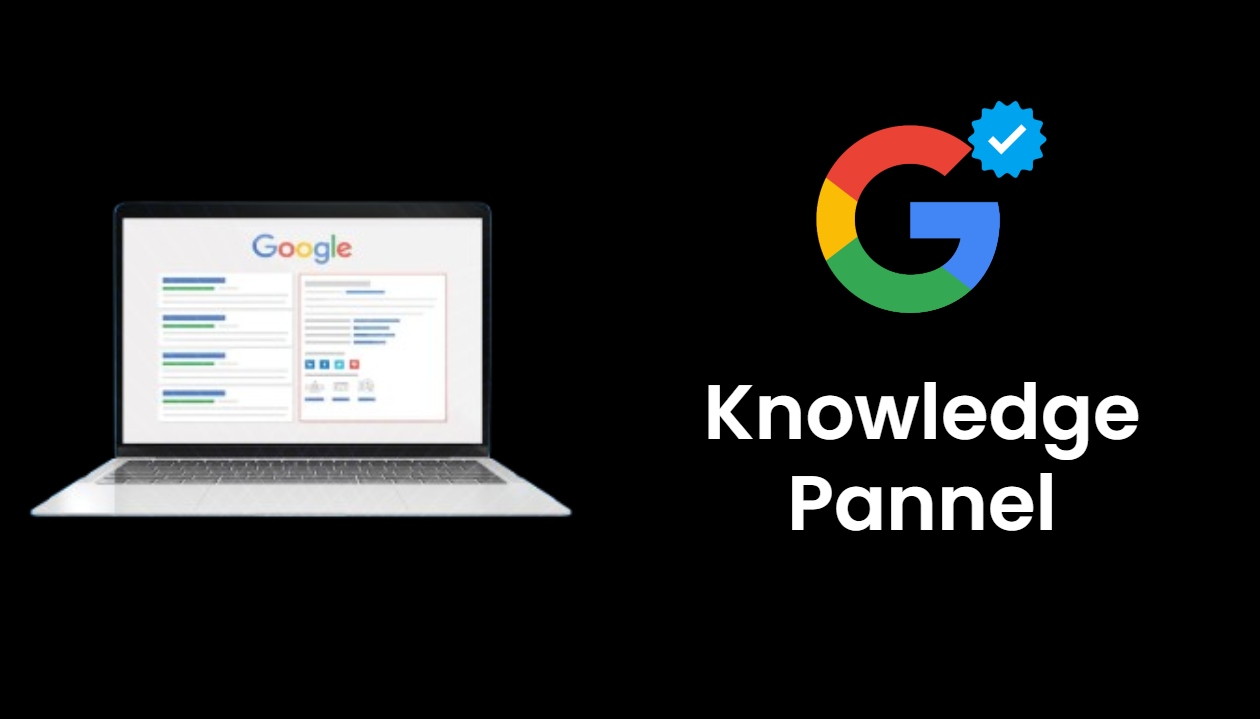
Have you ever searched for a well-known person, a local business, or a big brand on Google and noticed a neatly organized box of details on the right side of your screen? That’s called a Google Knowledge Panel. It’s more than just a snapshot—it’s a tool that can grow your credibility and make you much easier to find online.
If you’re wondering what these panels are, how they show up in search results, or how you can get one for yourself or your business, you’re in the right place. Let’s break it down together.
A Google Knowledge Panel is an information box Google displays when people search for notable people, places, businesses, or organizations. The panel pulls up key facts—like names, roles, photos, website links, social media profiles, and even contact info—so searchers don’t have to dig through multiple links. These panels also play a role in how you can get featured in Google AI overviews, as structured and trusted information increases your chances.
For example, if you type “Sachin Tendulkar” into Google, you’ll see a snapshot of his cricket accomplishments, vital details, and links to his social accounts, all in one spot.
Suppose you’re curious about the Tata Group, one of India’s biggest companies. Google its name, and you’ll likely see a Knowledge Panel summarizing the company’s leadership, headquarters, founding date, mission, and more. It’s all organized so you can find what you need without opening five different tabs. This structure is closely tied to how Google works—organizing verified data to deliver clear, useful answers instantly.
Google relies on its Knowledge Graph—a massive web of verified facts connecting all sorts of people, places, and things. It gathers information from trusted sources like Wikipedia, official company sites, reliable news outlets, and professional databases such as LinkedIn or Crunchbase.
Google’s algorithms look for information that matches across different sources. If your business address on your website matches what’s on your Google Business profile, for example, Google feels confident displaying that detail. This redundancy helps weed out mistakes and keeps the facts trustworthy.
Not all panels are identical—Google tailors them based on who or what is being searched. Here’s what you might see:
Prominent individuals—actors, athletes, authors, business leaders—often have their biographies, achievements, and links to personal projects or profiles neatly laid out. Think about Elon Musk’s panel, with highlights of his work at Tesla and SpaceX.
If you’re a business owner, a Knowledge Panel can showcase your company’s products, services, reviews, and other crucial bits. For instance, McDonald’s Knowledge Panel features locations, menu details, and its history.
For neighborhood shops and local cafes, these panels pull up addresses, open hours, reviews, ratings, and even a click-to-call phone number—making it easy for customers to visit or get in touch.
Charities, government organizations, and major events each get their own flavors of panels, packed with the most relevant and useful information for the searcher.
Whether you’re a startup founder in Bengaluru or a small business owner in Texas, a Knowledge Panel can make a noticeable difference in how people see you online.
Securing a Knowledge Panel doesn’t happen overnight, but it’s absolutely possible with the right steps.
Google can’t create a panel if it doesn’t have enough reliable info. Make sure you have:
Appear on industry blogs, publish expert articles, and land press mentions on reputable websites. The more quality sources that reference you, the more likely Google is to trust the facts.
If you run a business, this is essential. A verified Google Business Profile lets you display your actual location, opening hours, contact info, and more. Google pulls from this when creating panels for local businesses.
Use keywords and phrases that your audience is likely to search for. Create high-quality, relevant content for your site and profiles that reflects what you’re known for. This kind of content can help you appear in a Google featured snippet, increasing your authority and visibility.
The more you’re mentioned in news stories, podcasts, or online features, the more credible you’ll appear in Google’s eyes. Try reaching out to reporters or contributing to online publications in your field.
Once your panel shows up in Google Search, you’ll want to take charge of the information it displays.
You might do everything right and still not see your Knowledge Panel. Don’t panic—here are a few common reasons why:
Remember, it may simply take time for Google to recognize and connect all the dots.
A Google Knowledge Panel isn’t just a badge of honor—it’s a practical tool to raise your profile and build trust with people searching for you. Whether you run a fast-growing tech firm or just want your solo venture to make a splash, investing time into your digital presence is worth it.
Focus on being consistent, accurate, and active across platforms, and you’ll maximize your chances of getting—and keeping—a Knowledge Panel that shows you in your best light.

Saurabh Garg, the visionary Chief Technology Officer at Whitebunnie, is the driving force behind our cutting-edge innovations. With his profound expertise and relentless pursuit of excellence, he propels our company into the future, setting new standards in the digital realm.

Understanding which search terms actually turn into sales or leads is key to a successful SEO strategy. Too often we […]
Read Post »
Generative answers now sit on top of search in India. Google’s AI Overviews rolled out to 200+ countries and 40+ […]
Read Post »
AI answer engines ChatGPT, Gemini, Perplexity are now where your buyers research vendors. If a machine cannot read your page […]
Read Post »
Copyright © 2026 White Bunnie -All Rights Reserved