


How to Fix a Suspended Google Business Profile & Get It Back Online
-
Author
Saurabh Garg -
Publish
November 20, 2025 7:17 am -
Read Time
10 Min
 Lets talk











Fill in the Form below for a no-string attached free technical discussion.
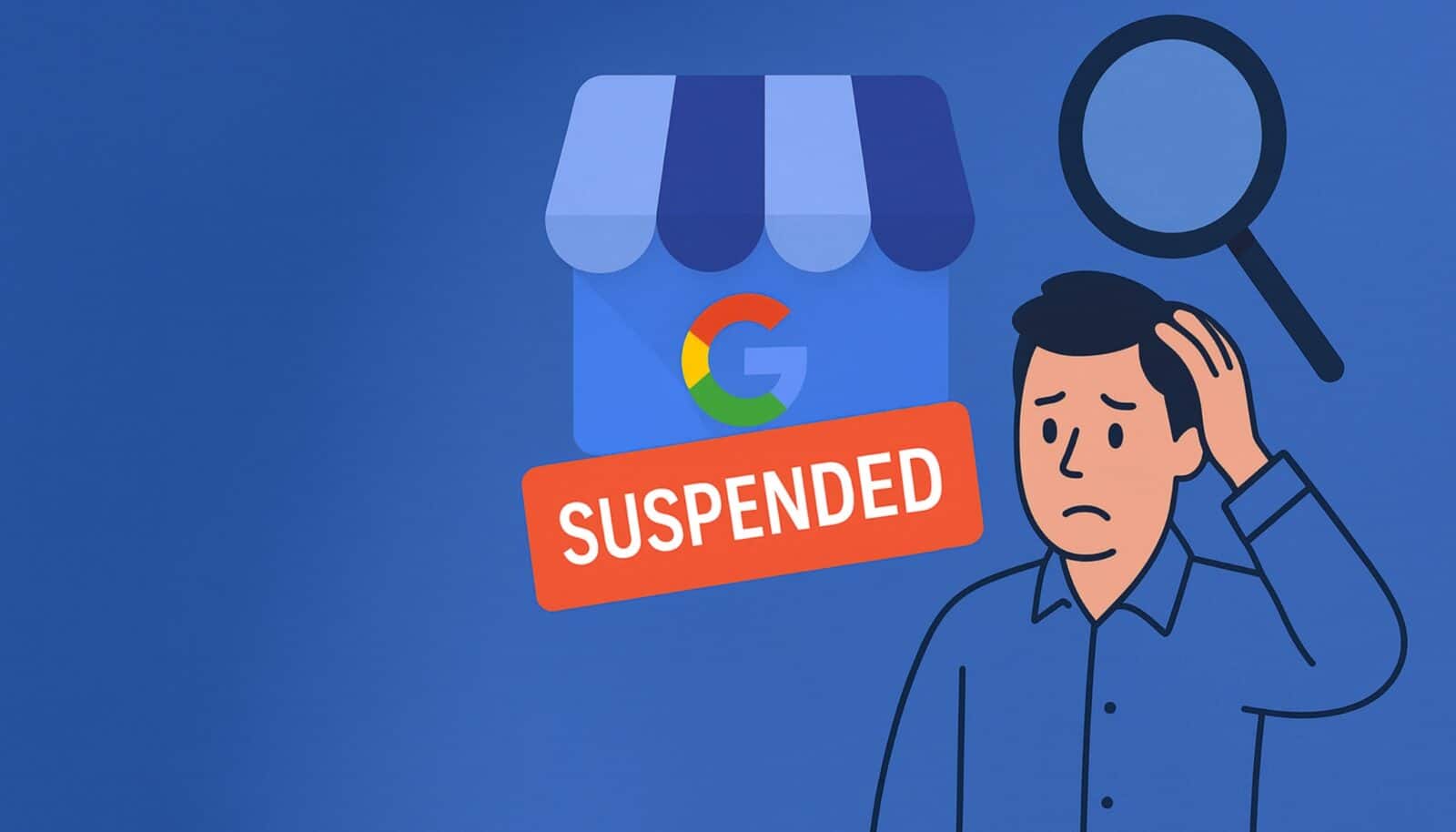
You can restore a suspended Google Business Profile by finding the cause, correcting the issues, gathering proof, and submitting a clear reinstatement request. Google approves the profile when it sees strong evidence that the business exists, follows its rules, and operates from the claimed location with accurate and consistent information.
A suspension feels sudden. Calls stop. Store visits shrink. Online reach falls. Google does this when it sees something unclear about your business. It checks your name, address, phone, photos, documents, and basic identity across the web. When something looks unsafe, it pauses the profile.
A suspension stops your calls and walk-ins. It also blocks the results of your Local SEO work and limits your reach in Google Maps.
The fix is simple: identify what Google questioned, correct it, and show proof. When you fix a suspension, you aren’t just reinstating a listing you’re re-establishing your business as a credible entity.
Your listing remains visible, but you lose control of edits. You cannot change hours, categories, or details until Google clears the profile.
Google sees a mismatch in ownership or business identity. This includes small issues like outdated phone numbers or different spellings.
The system holds your account in review. Google wants you to confirm your business with updated information.
You need to verify your link to the listing. You must show you are the rightful owner before you get access again.
Your listing is removed from Search and Maps. Customers cannot find you until reinstatement.
Google sees signs of risk in your address or business model. This includes unverifiable locations, unclear photos, or non-eligible setups.
The review team expects clear proof that your business exists. This includes documents, photos, and public records.
You need a strong reinstatement request. Weak or incomplete proof delays the process.
Google completes verification but blocks the profile soon after. This happens when extra checks show unclear details.
It flags issues in verification photos or documents. It checks if the business location looks real and in use.
Google checks your digital footprint. It compares your GBP with your website, GST, and social profiles.
You need to correct the details and apply again. Clean, matched information speeds the process.
Many businesses use shared offices, which creates confusion. Google struggles to confirm which business is in which room.
Shared rooms look temporary. The system expects a stable space with visible signs.
Verification photos often show mixed branding. This makes it hard for Google to trust the location.
Google prefers long-term space with staff present. It wants evidence of daily operations.
Google compares your details across the web. It checks your website, GST, Udyam, social pages, and directories.
Small differences trigger reviews. Even slight changes in spelling can look risky.
Multiple listings with the same name create confusion. Google cannot confirm which one is the real location.
Old directory listings weaken your business identity. Outdated contact details signal inconsistency.
Incorrect categories misrepresent your business. Google expects your main service to match your primary category.
Broad categories attract attention. When the category does not align with photos or documents, Google flags it.
Mixed categories disturb Google’s trust. Combining unrelated services looks unclear.
Category changes trigger reviews. Frequent category edits appear unsafe.
Google checks if your name matches your real-world identity. It compares with your signage and documents.
Extra words look like manipulation. Phrases like “best,” “top,” or city names cause suspensions.
Your online and offline names must match. Google expects exact alignment.
Long names raise flags. Google prefers simple, real business names without extra claims.
SABs should hide their address. Customers do not visit the workplace for service.
A public address creates confusion. Google expects a customer-facing space for visible addresses.
Residential addresses cause reviews. Homes rarely pass in-person checks.
Google wants clear service information. It checks if you visit customers.
Cities with high listing volume face stricter checks. Delhi NCR, Mumbai, Bangalore, Hyderabad, and Pune fall in this group.
Spam in these cities triggers deeper reviews. Google has seen many fake profiles here.
New listings need strong proof. Google expects clear photos and documents.
Minor mismatches lead to faster suspensions. The system responds quickly in high-risk zones.
Check all recent edits. Look at changes in name, address, phone, hours, service area, and categories.
Compare your profile with your official records. See if your GST, Udyam, website, and directories show the same information.
Review your photos. Make sure your images show a real place that matches your identity.
Find one root issue. Google wants one clear reason for the fix, not a list.
Before you submit your reinstatement request:
Match your name, address, and phone everywhere. Use the same format across all platforms.
Remove old listings. Duplicate or outdated listings confuse Google.
Update directory profiles. Correct your details on JustDial, Sulekha, IndiaMart, and similar sites.
Keep documents readable. Your GST, Udyam, and lease must show accurate information.
Take a clear photo of your sign. The sign should show your exact business name.
Capture the outside view. Google must see the actual location from the street.
Show the interior. Include staff, equipment, products, or your workspace.
Upload your official records. Documents must match your claimed identity and address.
Share your lease or utility bill. These show long-term use of the location.
Hide the address first. Displaying a home address causes issues.
Upload client work proof. Include job sheets, invoices, and service logs.
Provide your registration certificate. It confirms that the business exists.
Make sure all details match. Google checks for consistency.
Use your exact business name. Remove extra words and keywords.
Set the correct categories. Pick a primary category that matches your main service.
Upload new, clear photos. Use real images of your space or field work.
Remove old managers. Only keep active team members.
Set accurate hours. Match your real-world schedule.
Hide the address if you are a SAB. Keep your service area visible.
Your request should:
Give a short reason for the suspension. State the issue in simple language.
Explain what you fixed. Keep the explanation clear.
Include clean documents. Share photos and records that match your identity.
Show proof that you operate at the location. Google checks for real activity.
Keep the message simple. Short, clear answers work best.
Google reviews your request by hand. A team member checks your details.
Most reviews take three to ten days. Some take longer when the proof is unclear.
Strong evidence leads to fast approval. Clear photos and documents help.
Weak evidence causes delays. Google may ask for more proof.
Do not send repeated appeals. This lowers your chances.
Use one name everywhere. Keep all platforms updated.
Use one phone number. Avoid switching numbers often.
Avoid frequent edits. Update only when needed.
Keep your sign in good condition. Make sure it is easy to see.
Keep clear documents. Store clean copies of your bills and lease.
Avoid temporary spaces. Google prefers stable, long-term locations.
Renew your lease. Upload the current version when needed.
Update your GST and Udyam. Match all details with your GBP.
Store all records in one place. This helps during reviews.
Upload fresh photos often. Use real images showing daily activity.
Post updates. Share offers, events, or useful news.
Ask for reviews. New reviews help your ranking recover.
Fix your directory profiles. Match your details everywhere.
Add service pages on your website. This strengthens your local presence.

Saurabh Garg, the visionary Chief Technology Officer at Whitebunnie, is the driving force behind our cutting-edge innovations. With his profound expertise and relentless pursuit of excellence, he propels our company into the future, setting new standards in the digital realm.

SEO is not just important, but essential as having a strong online presence is crucial for any ecommerce businesses. SEO […]
Read Post »
In this era, search is changing fast. People no longer want to read through long pages filled with guesswork and […]
Read Post »
In 2025, content that simply checks SEO boxes isn’t enough. To truly succeed—capturing both attention and conversions—you must blend utility, […]
Read Post »
Copyright © 2026 White Bunnie -All Rights Reserved



